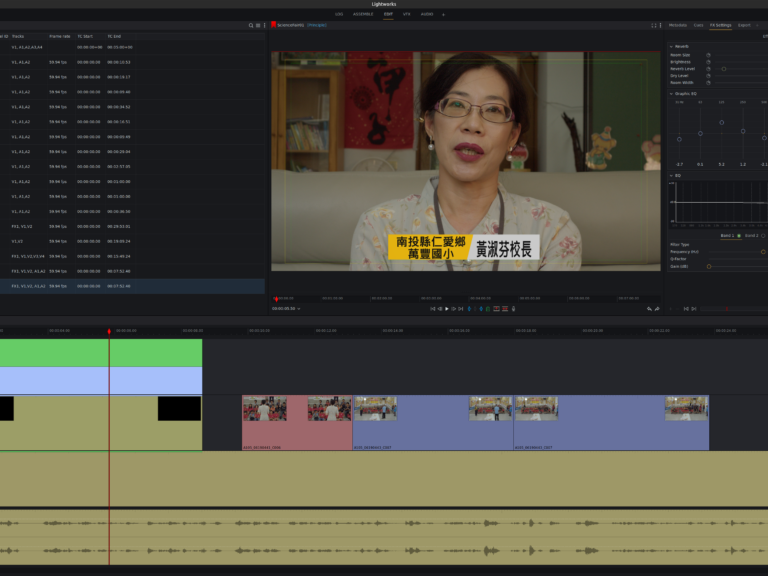
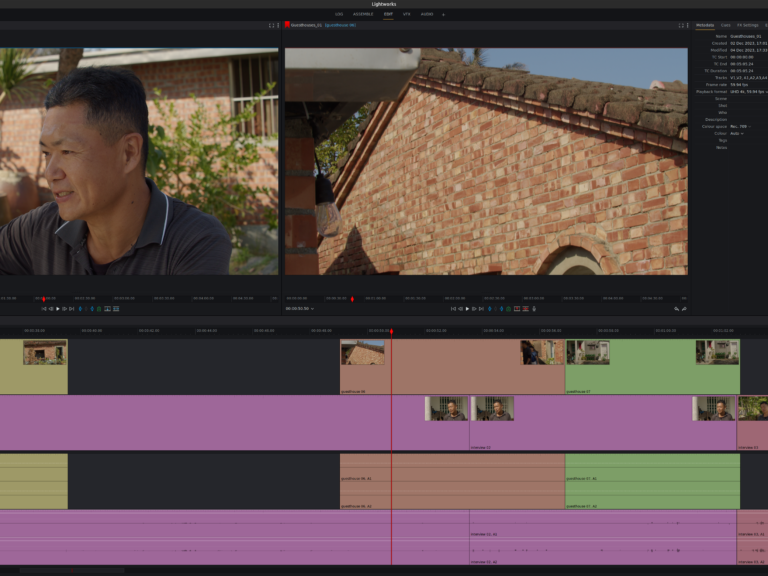
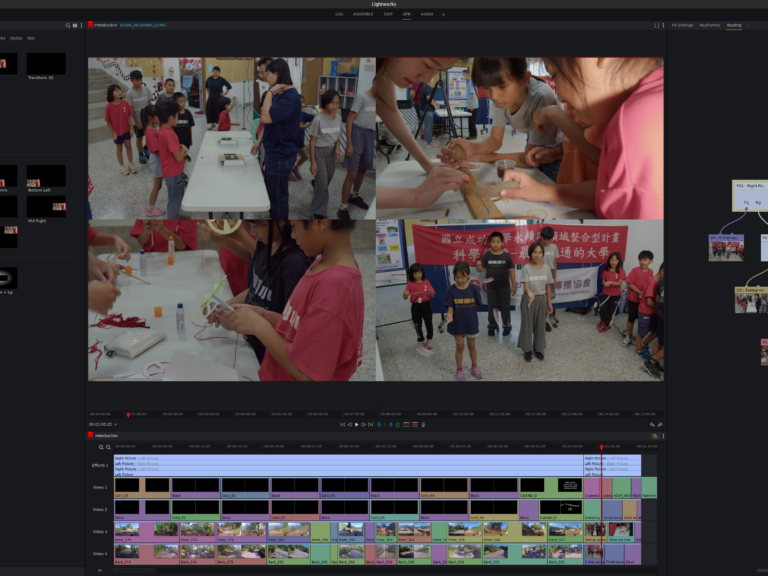
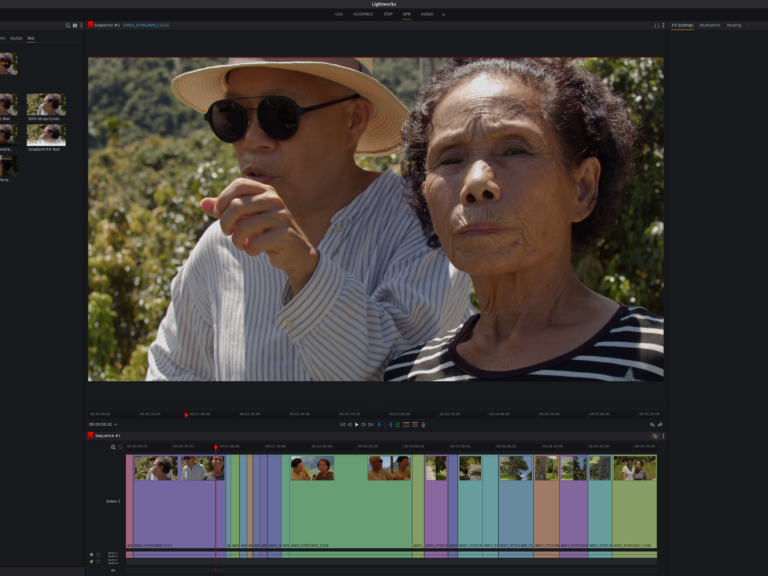
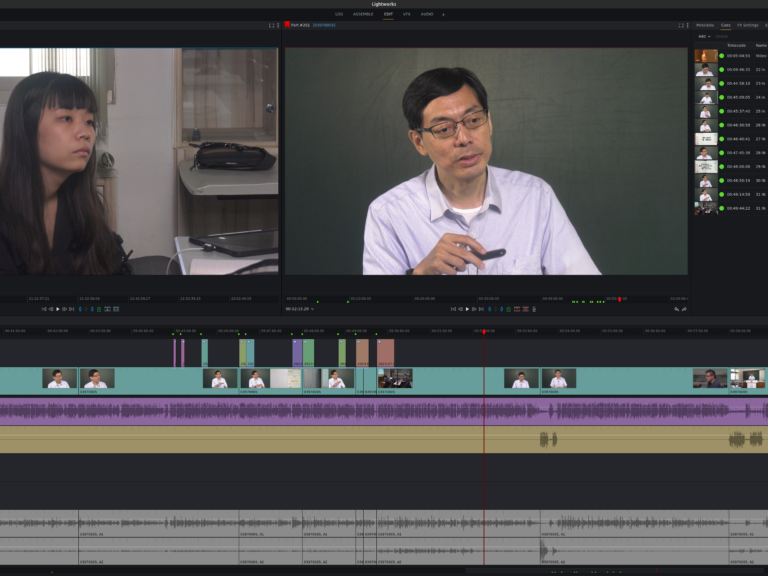
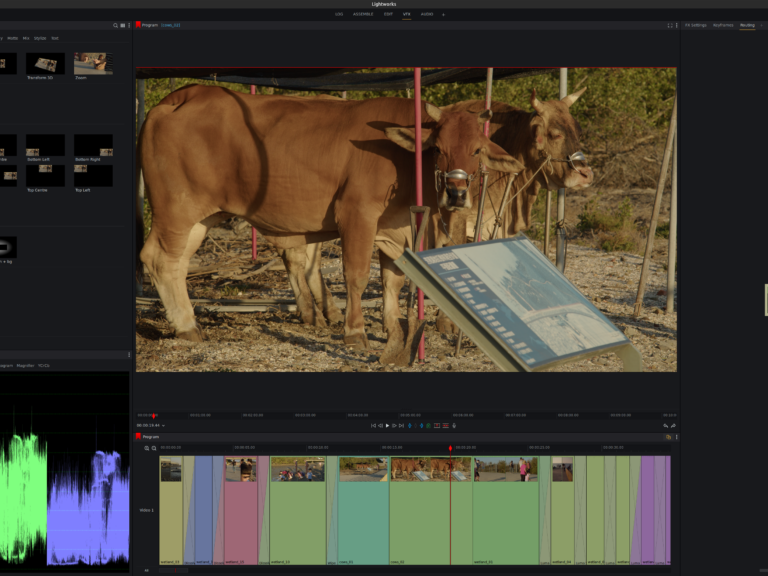
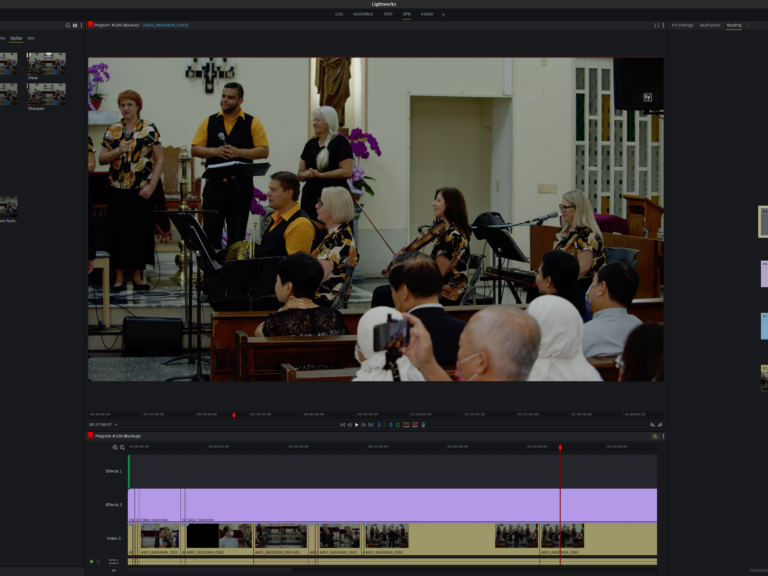
Our video production workflow is driven by the need for completeness, flexibility, and quality. We obtain the video and audio raw materials accordingly to ensure we can finish every project to the highest standards. We can also perform post-production on raw material provided by customers and third parties. However, to maintain a consistent quality, we must unify the video content into one standard, which may not always match the high quality of our original footage.
Historical Context
Macintosh and Final Cut Pro Era
In previous years, we were avid users of Macintosh systems, relying on Final Cut Pro for video editing. Macs offered a comprehensive turnkey solution, providing a complete suite for video and audio editing, along with DVD authoring. Notably, Final Cut Pro integrated audio editing capabilities from Emagic’s Logic Audio and DVD authoring features from Astarte’s DVD Studio Pro.
Transition from DVD to Blu-ray
The landscape changed when Apple became a runner-up for defining the main commercial Blu-ray Disc (BD) format. This shift introduced new challenges:
These new security measures added further complexity and ultimately limited the widespread adoption of Blu-ray.
Transition to Linux and Current Workflow
As Linux systems became a definitive platform for high-class multimedia production, we transitioned our workflow to Linux. We now use Lightworks and DaVinci Resolve for the complete post-production workflow. Both are cross-platform applications, facilitating the easy interchange of editing lists and XML files between parties working on different operating systems. This flexibility is crucial for collaborating with remote teams.
Workflow Details
Video Editing
Initial Edit:
Video is edited first according to a script and rough narration using Lightworks or DaVinci Resolve.
2. Precise Audio Editing:
The final audio mix is done using a specialized audio editing software, such as Ableton’s Live Audio on Mac.
This step involves mixing down the narration and music to a time-locked edited video
Social Media Publication
Publication is no longer an issue, as most customers opt for social media platforms, including:
Our commitment to quality ensures that every project meets the highest standards, whether we are working with our own footage or material provided by clients. Our use of industry-leading software and platforms allows us to deliver professional results tailored to the needs of each project and customer.